July 24th - New "Grabber" enemy type added to game!
Install instructions are at the bottom of this post.
For Linux Users: Experimental Linux Version at the Bottom of the Page
What's new in the Build?
Spent a week fixing bugs and improving the play experience.
Important: I've tried to replicate the "movement locked up" bug but can't seem to replicate it. It may be a buggy user-data or buggy overwritten data issue. Please try and fix that particular bug by:
- Installing the latest build into a new, fresh folder that doesn't override old data.
- Deleting your windows save and user preference data for the Bindmancer located at: Users->You->AppData->LocalLow->Kangaroo Games
Added the Grabber Enemy Type. This enemy can grab the Bindmancer to tease. Struggle to get free!
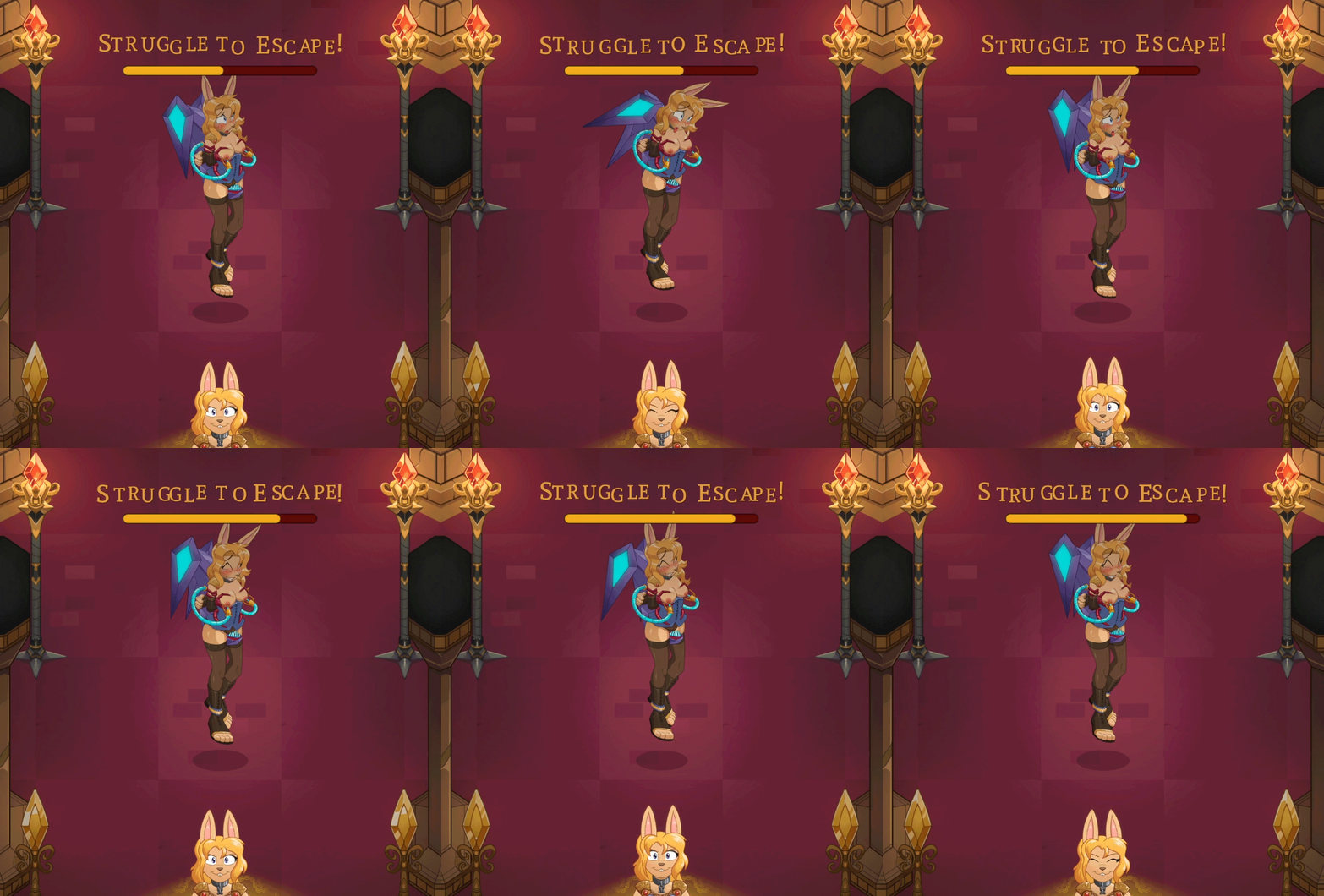
The Grabber enemy type also has Gallery entries added to it.
Fixed some bugs regarding the incorrect number of prisoners to save happening on floors 3, 4, 5.
Fixed some other minor bugs around the dungeon.
Added a "Randomize" button to some entries in the gallery to view more custom versions of that entry.
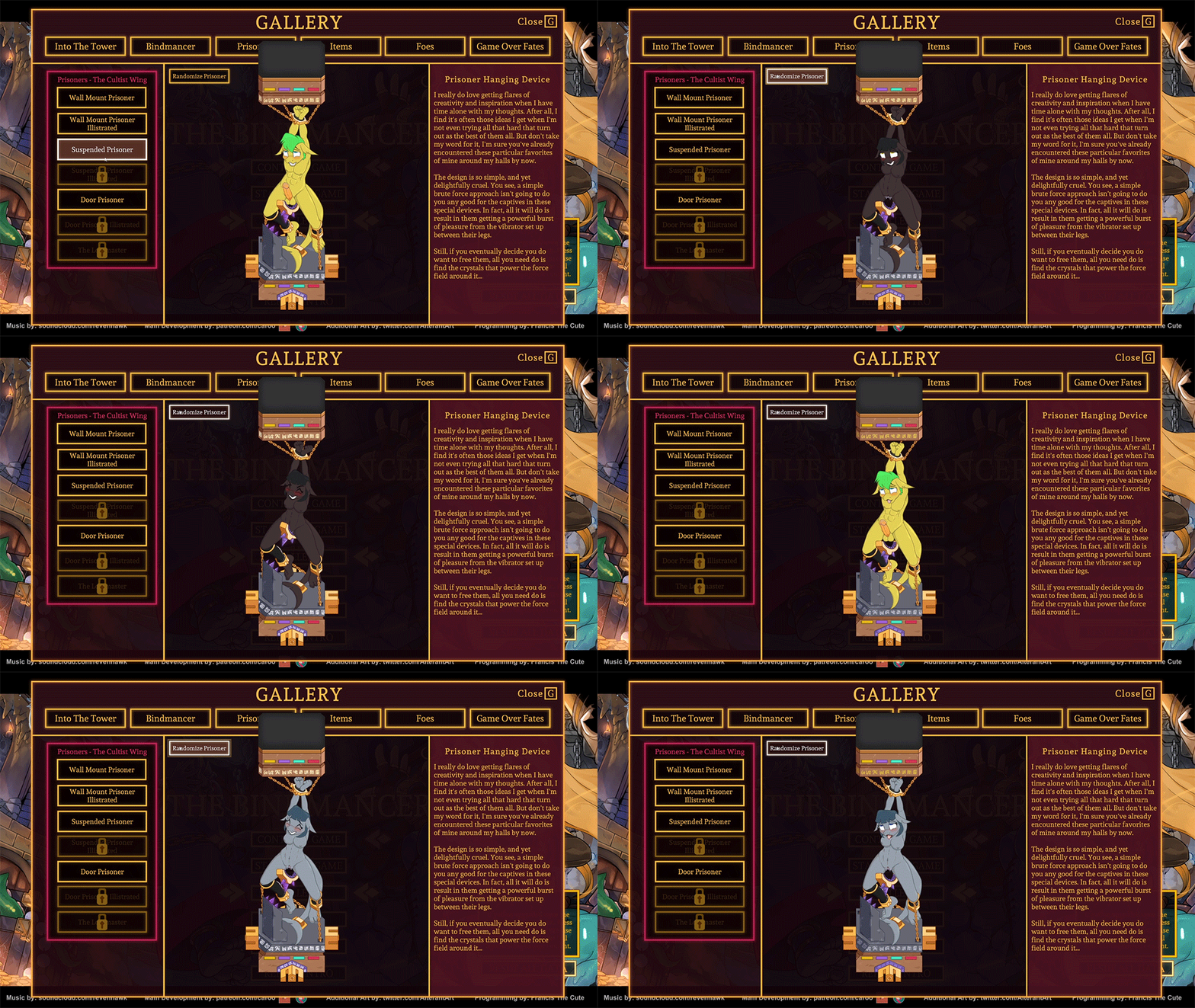
Added the gas trap, wall, trap, and the new game over state to the Gallery. As well as worked on bug fixing a number of issues surrounding level generation.

This build introduces a new in-dungeon static trap and a new peril encounter.
The trap is the "Gas Trap." A trap that appears from the ground when you get too close and releases a gas.
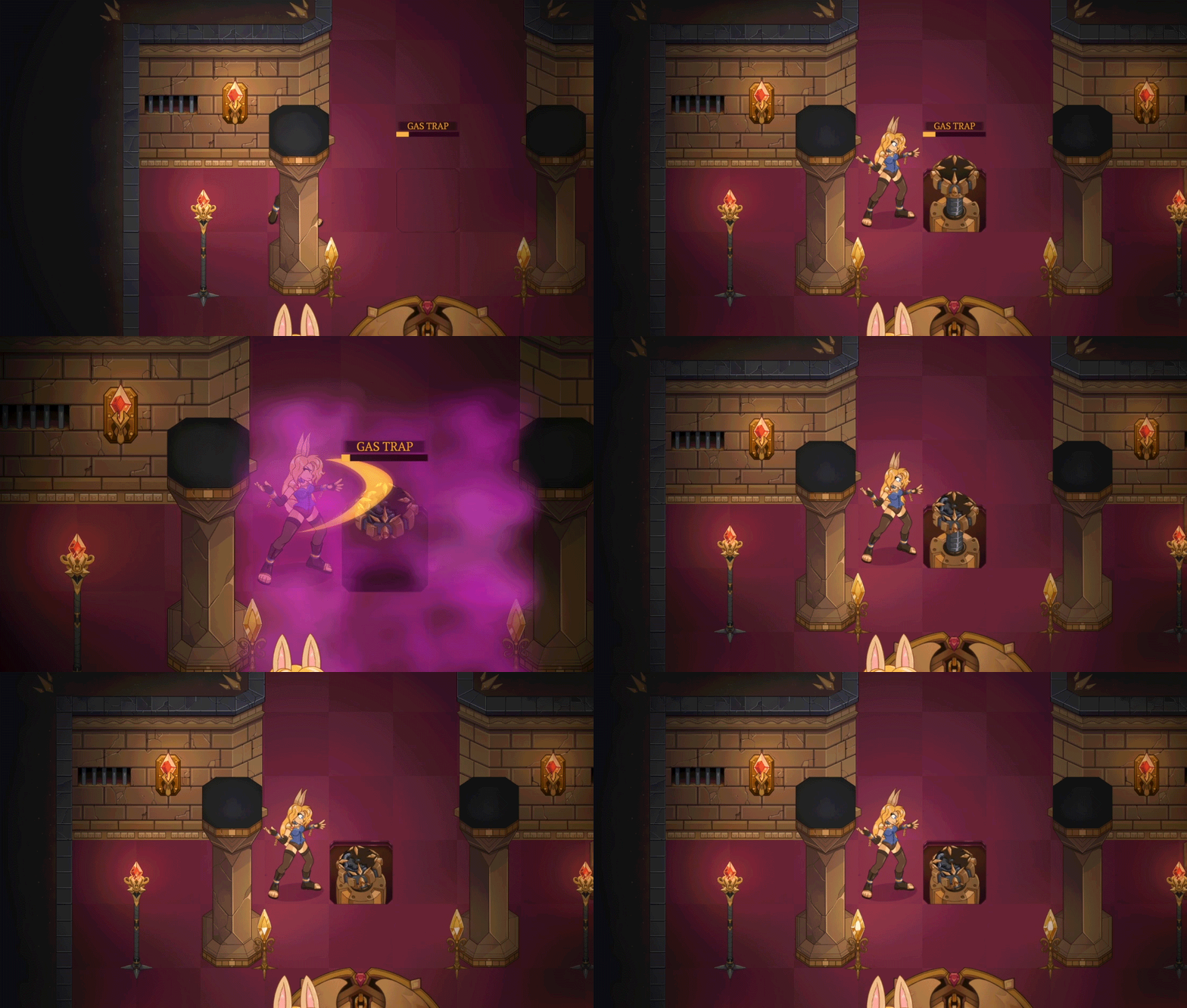
The new "Wall-trap encounter" has been added to the game as well!
The animation itself has a few different equipment and face states that are randomized each time you encounter the trap.
A new game-over event has been made as well utilizing the wall-trap peril animation.
These traps have been integrated into 8 new tiles that are now part of the dungeon randomizer.
In addition to this new feature I also tweaked the level select screen to be more clear that there's no more concept past the first boss room for the time being.
I hope you enjoy the new trap and encounter! :D
This build introduces a new loot-drop system! Loot will now drop more organically from enemies and objects:
In addition as per a request: You can now replay the games intro cutscene from the Title Screen once you've started a new game and returned to menu:
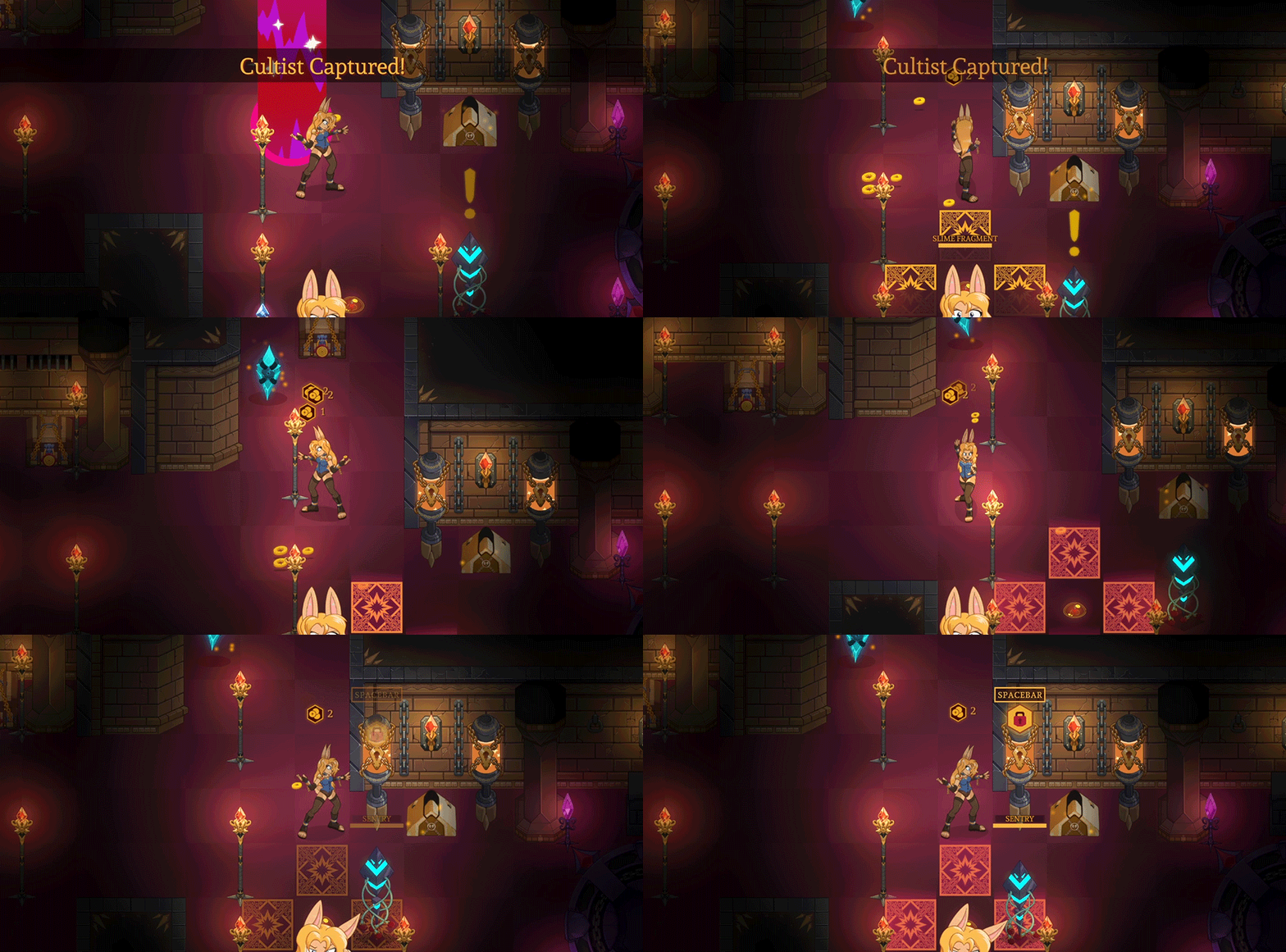
There was a number of bug fixes as well to make the game more playable and stable.
And finally there's been a complete migration from unity version 5 to version 6. This was mandatory to do but the game has come out of it running well with a smaller filesize.
This is one of those versions I really do suggest you both delete your old install before running the new one, and reset your save data.
Enjoy! :D
Caroo
Playable on a PC using a Windows OS.
The game will boot up full screen and set to your monitors native resolution.
You can now change the resolution in the options menu to an adjustable windowed mode where you can set it to your preference.
Download the zip file
You MUST unzip all the contents of the zipfile to any folder. The game cannot run from inside the zipped file.
Windows can unzip it by itself. You don't need to download any third party software like WINRAR.
You can run the demo by entering the unzipped folder and double clicking on the file named: The Bindmancer
Delete all prior files from previous versions / public demo if you're installing to the same folder location.
If you don't unzip the contents of the folder, you can't play the game.
If the game opens and then closes without a screen showing, that's typically a graphic driver issue, update your graphics cards drivers and restart your pc.
Unity games don't like being placed in folders deeply nested in multiple folders. This is due to long file directory names messing with Unity. 3 to 5 folders deep is fine. More and it gets wonky.
If controls don't respond = It's probably a controller you have plugged into or connected to your computer. Remove it to use Keyboard controls.
Issue : You purchased and downloaded the supporter version on Patreon / Subscribe Star and it says you still have the demo version when you play it:
Fix 1: If using Windows. Go to your main hard drive and find the folder "Users". From there: (Users->You->AppData->LocalLow->Kangaroo Games) and then delete the bindmancer folder. (The demo's windows user save data has caused the issue.)
Fix 2: Don't install the full version in top of the demo version in the same folder.
Issue: I can't download from MEGA if I use the Opera Browser:
Opera users have to use the Opera intern VPN function
--------------------------------------------
You'll need to add an executable permissions to the file The "The Bindmancer - Linux - 2025 07 24.x86_64" to get it to run. The following commands should do the trick:
cd /path/to/the/extracted/files
The Bindmancer - Linux - 2025 07 24.x86_64
./The Bindmancer - Linux - 2025 07 24x86_64'
Darkwolf 7001316
2025-07-01 12:39:22 +0000 UTCJason Brink
2025-05-07 06:58:12 +0000 UTColsen1a
2023-10-30 09:42:54 +0000 UTCCaroo
2023-08-26 08:48:41 +0000 UTCSteelsnowy
2023-08-26 04:19:34 +0000 UTC