OpenSex 0.11 addon version & standalone
Added 2022-02-12 03:51:10 +0000 UTCWhat's new?
- Animations have been added to the "sitting - male approach" idle...
- Anal missionary (5 speeds) with internal climax animation and after-climax idle (preview gif, pov screenshot in game).
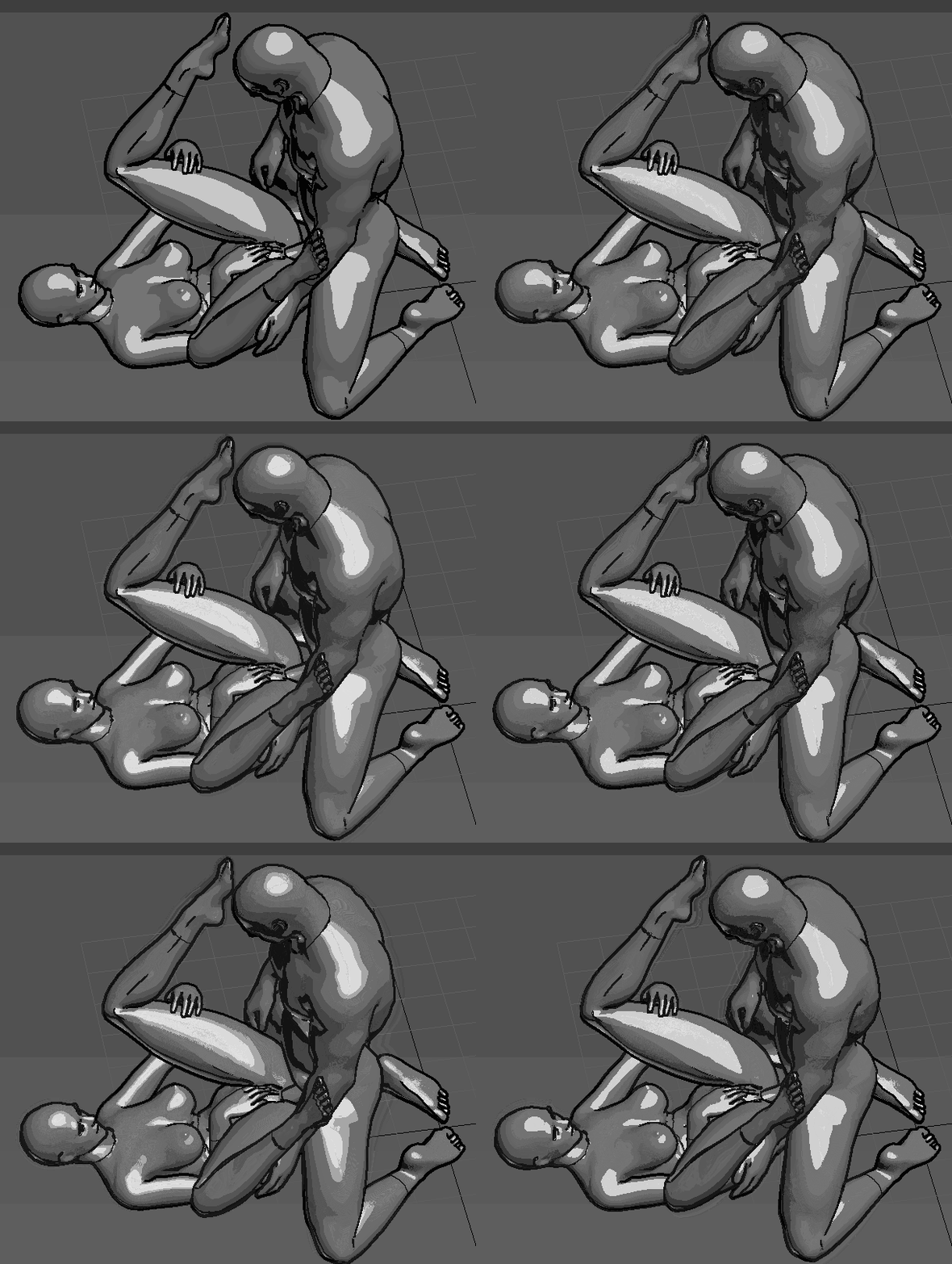
- Missionary, legs up (5 speeds) with internal climax animation and after-climax idle (climax preview gif, pov screenshot in game).
- Navigation option to return to OSex has been added again to the addon version (it was removed by mistake).
The new animations have been requested by Tier 3 patrons and they're still up to being changed to their liking... Now I will resume working on what I was doing before the requests, which is, at the moment, a fingering animation (the only vacant animation class in OpenSex). Don't be discouraged to make your request too if you're a Tier 3 or 4 patron.
How to access the animations
Sitting - male approach:
1) Access the OpenSex module.
2) Sit down with your partner.
3) Press numpad 9 or the equivalent to change actors.
4) Select the option to approach your partner (the first one).
5) Select the option to mount your partner (the first one).
Installation
Installation for OpenSex addon version v0.11:
1) Have any version of the addon from the the Nexus page installed.
2) Install v0.11 and let it overwrite the Nexus version.
Look at this image to see the correct load order.
Installation for OpenSex standalone v0.11:
Install it as you would OSex.
See the Nexus page for more details.
See the GitHub page for the history of commits (changes).
What am I working on currently?
Lying down fingering, and I want to make the finger movement really detailed and look good in first person. Then, I want to revamp the mating press animation. I'm sure it's a special animation for some people because going around mating-pressing waifus just sounds like too much fun (and a great power fantasy). I really want to give that position the amount of effort that it deserves.
Check out daily animation development in OStim's discord in the #custom-animations channel: discord.gg/RECvhVaRcU