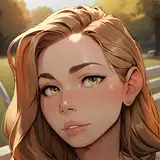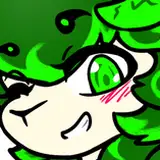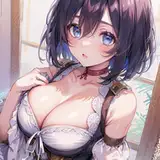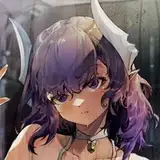
UPDATE: Mei video and PSD arrived. I was requested\challenged to try not to use Mixer Brush Tool for smoothing transitions since this feature is not available in older versions of Photoshop so i stuck to a default soft round brush. Hope it turned out well ^_^
UPDATE: Now all 3 videos and PSDs are available! Thank you so much for your support! It helps me to make all the various content for you. You're awesome! ??
Also a very important question: would you like me to add some music on the background ? I mean it will make the files a bit larger and you'd have to accept my weird music taste but i can easily do it if you'd like me to.
------------------------------------------------------------------------------------------------
Hello!
How are you? Hope you're doing well!
Here is a 1st part of thick rendering tutorial, it shows and explains both aspects - silhouette and shading. Also i left the notes and reference images in PSD. For this one i used the same tool preset that you could see in the previous Painterly background tutorial, though i will attach TPL file here as well.
As for the character so far i recorded a video with Bowsette, but there also will be the process with most recent Hilda and Mei.
So here is a links list, so far only Bowsette is active but i will be adding new files an all 3 will be clickable, so please stay tuned for the updated
I hope you'd find this tutorial useful for your process, if you have any questions even the "silly" ones - please don't hesitate to ask, i'm here to help you after all, Just drop me a comment here or shot me a DM on Discord (AleskaArt#1058)
Also i'm preparing a lil bonus video in addition to this short thick series to compensate a long waiting ^_^
Wish you all the best, will see you in the next update ??




![CandidCrushTrample[CCT]](https://samuzai.com/istorage/34805.jpg)