New Beta: Custom Character Feature!
Added 2023-11-02 16:07:30 +0000 UTCA new beta version of the game is now live on Steam! It comes with the new custom character feature, as well as the instructions (and tools) you need to import a character model into the game.
How to Access the Beta
If you have a copy of the game, you can simply switch to the beta branch, in Steam, and check out the beta version.
The beta branch is password protected—the beta access code is:
ig82rrKU1w0p
(Please don't share this code!)
To switch to the beta branch, simply follow these steps, in Steam:

Custom Character Creation

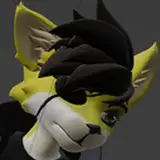
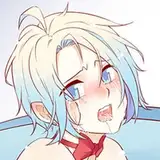
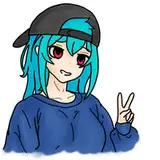
Character model in Unity, with the Character Configurator. (Character by Galileo)
In the game files you will find the Custom Character Guide, which explains how to prepare and export a character model, so that it can be used in the game.
It can be found in the game's installation directory, at the following file path:
Pawperty Damage\Pawperty Damage_Data\StreamingAssets\Characters
(For convenience, I'm also attaching the Custom Character Guide to this post.)
To export a character to Pawperty Damage, you will need an installation of the Unity editor and some basic knowledge of how to work with it. The guide contains a number of step-by-step instructions that make it easy to follow, I hope. Still, it's a very technical process, and some models may need more preparation than others. If you have any questions or run into any problems, feel free to contact me and I'll do my best to help out!
Beta Testing
The Discord server now has a Modding category as well as a channel where you can share your work!
Until the public release of this feature, I would kindly ask you to not upload any custom character mods to the Steam Workshop, simply because those mods would be available to all players—even those who do not participate in the beta, which means they could download those mods... but not actually use them.
However, you're more than welcome to publicly share screenshots and videos of your work! If you do, just let people know that you are playing a closed beta version of the game, (so they don't download the release version of the game and are immediately disappointed, heh.)
Thanks for your Support!
Like I said, if you have a character model you want to export to the game, but have questions or need help: Simply drop me a line, either here on Patreon or in the Discord server's modding channel! :D
Comments
The feature works great! Comprehensible guide and fairly easy to use. I already had a VMF for VSeeFace so it really only took a few minutes to get my character in the game. I wasn't sure how it'd turn out, considering the big feet on my char but it worked out well :3
Evil-Sprite
2023-11-03 19:13:20 +0000 UTC