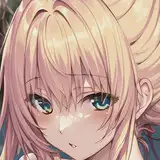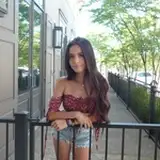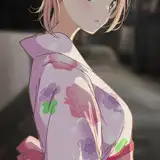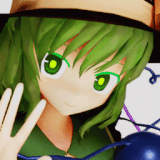
NOTE:
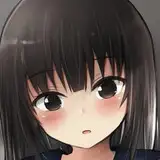
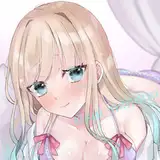
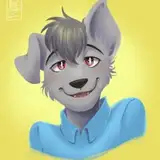
- This can work with separated line art parts. (Ex. having the hair a separate line art and creating a base for that)
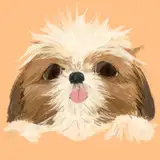
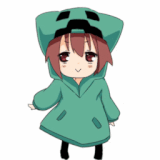
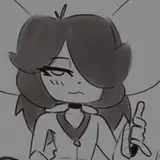
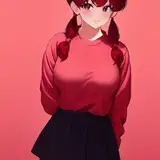
- I follow up by clicking "Lock transparent pixels" on the base layer (located at the the top of the layers bar) and use my old base technique (slide 2) to separate the different parts of the subject ( Hair, skin, clothes).

Locking prevents you from colouring outside of the base. Alternatively you can use clipping masks!
This could probably work with other programs, I'm just doing it based on photoshop tools/functions.
This is just how I do bases now :3 Hope this helps ^.^
Feel free to ask me any questions! <3
sesamefruit
2021-05-15 04:58:43 +0000 UTCjay.
2021-05-14 22:25:48 +0000 UTCsesamefruit
2021-05-14 12:42:12 +0000 UTCCathie
2021-05-14 10:40:28 +0000 UTCsesamefruit
2021-05-14 05:31:11 +0000 UTCMisskiesha
2021-05-14 05:29:08 +0000 UTC