If you enjoy using this asset please rate the product, it helps visibility!
⭐⭐⭐⭐⭐
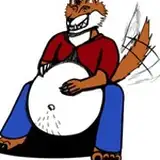
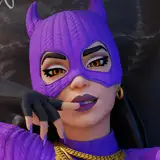
Strings of drool fitted for the maw of:
Support for other bases may come eventually!
This product is a digital download that comes with the following files:
- Drool.FBX(The actual drool mesh)
A simple mesh with a few blendshapes to support the mouth opening and closing, as well as support for moving the jaw left, right, forward, and back with facial tracking.
Note: You may need to rename the blendshapes in blender to match the appropriate names on your avatar if you are using custom ones that differ from the naming convention of this fbx.
- Drool Material (setup for Poiyomi Toon shader, you'll need to import this into your project first)
- A VRCFury prefab (for easy setup. If you prefer not to use VRCFury, it's going to require some blender knowledge. More info on the download page for the product)
Requirements:
Rex Maw Drool Tutorial
Terms:
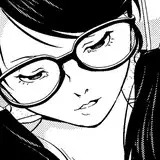
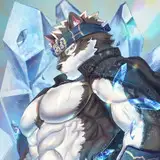
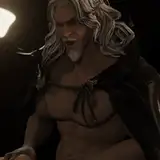
Fara Rex:
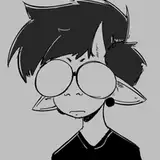
Novabeast:
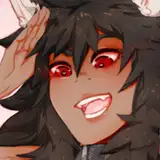
Nardoragon:
Chaos Canine:
Use the following package if you are still using 2019 Unity, VRCFury prefabs built for 2022 aren't supported.
Blender instructions:
If you prefer not to use VRCFury, you can instead use Blender.
Import both your avatar's fbx and this package's fbx. Use Armature Deform on the body mesh of the asset to your avatar's, then merge the package's mesh together with your body mesh (Ctrl+J, select your avatar's body mesh LAST).
Export and override your unity project's FBX, so long as the avatar is BLUE in your hierarchy. If your avatar has been unpacked, you might have to rebuild your avatar in unity. Please don't unpack your avatars!
From there, you'll need to create a toggle in your menu and FX Controller! How you do this is up to you. I'd recommend making the drool material an invisible transparent material by default, and then use animations to toggle it to the normal drool material when enabled in your menu.
For more advanced users, consider using UDIM features in shaders like Poiyomi.