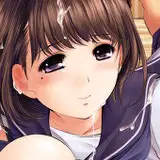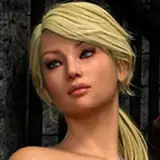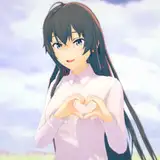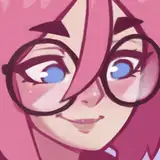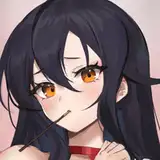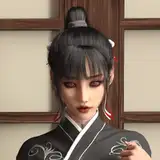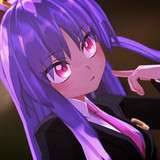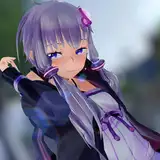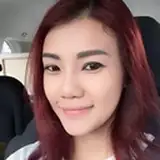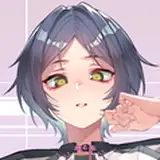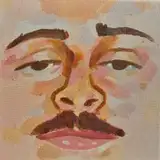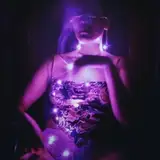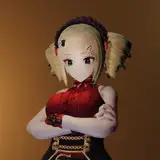
Generate any girl.

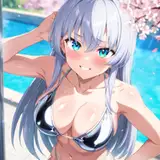
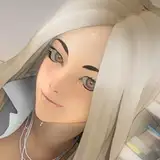
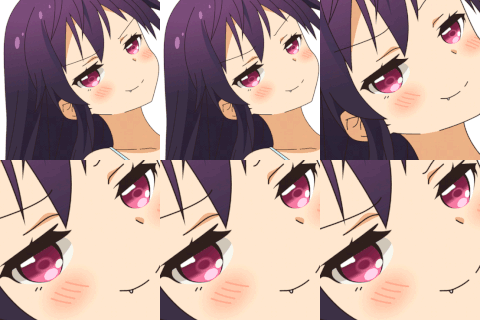
You can notice that the shape of her eyes is uneven and poorly drawn, and there are no highlights. In inpaint, we select only the pupils and generate them at a resolution of 800 x 400, without any positive prompts and with the following settings:
Negative prompt: [deformed | disfigured], poorly drawn, [bad : wrong] anatomy, [extra | missing | floating | disconnected] limb, (mutated hands and fingers), blurry
Steps: 24, Sampler: Heun, CFG scale: 7, Denoising strength: 0.4, Mask blur: 6, Inpaint area: Only masked, Masked area padding: 20

Now that we have the correct shape of the eyes, we will finish drawing them one at a time. We select one pupil in inpaint and generate it at 512 x 512 resolution, prompt "detailed" and with the following settings:
detailed
Negative prompt: [deformed | disfigured], poorly drawn, [bad : wrong] anatomy, [extra | missing | floating | disconnected] limb, (mutated hands and fingers), blurry
Steps: 24, Sampler: Heun, CFG scale: 8, Denoising strength: 0.37, Mask blur: 6, Inpaint area: Only masked, Masked area padding: 20

And then we do the same for the other eye.

We get a good result with this method. If you want to improve the quality of the image more, you can try selecting the entire eye and generating it at a higher resolution, such as 640 x 640. However, this may cause some artifacts.