
Hello everyone,
There are many things that have changed since the last update.
Translator++ ver 1.11.6
First of all, thank you for all of your feedback and error reports. Some of you even sent a very elaborate error reports. That was very helpful.
However, of all the error reports that I received about 70% of them were caused by application misuse. Most errors are due to over-translation, others are errors because of no required MSVC redistributable is installed. By this I’ve realized that an instruction manual or a help for Translator++ might be needed much more than I thought.
So I have a plan to create more guide, tutorials and instructions that available online at http://dreamsavior.net. This online help can also be accessed through the latest Translator++.
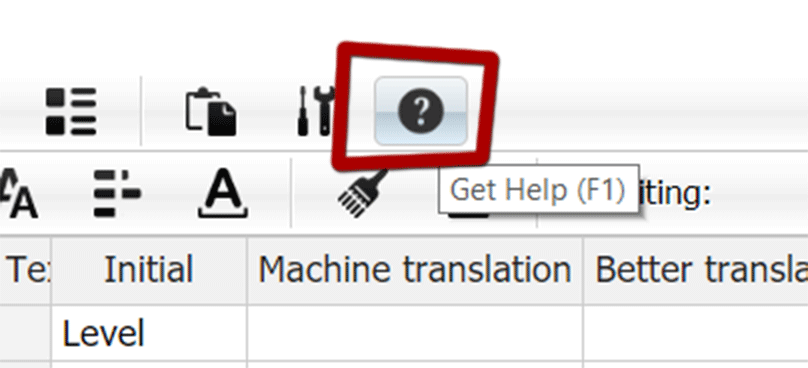
A help button, finally!
I’ve heard that many new users get confused when they are using Translator++ for the first time. They are confused about where to start, what to do first, etc. I understand this, that’s why I made a video tutorial and a getting started guide. But I have to admit that this is indeed not enough! A good UI should be self explanatory after all.
So I made a new startup screen for Translator++. Its simplicity is designed so that new users can easily tuned-in into Translator++ workflow.

A new startup screen. It’s less intimidating now isn’t it?
This new Startup screen also replaced the old intrusive “open-the-last-work” dialog box with the non blocking one.
As you know, Wolf RPG uses a DX archive with an encryption key that has been changed several times. This makes the extraction process of the Wolf RPG games’ archive not an easy feat. I have tried many applications to extract the Wolf RPG archive and choose the best to be integrated with Translator++. I haven’t yet found the flawless one. Recently I heard about Sinflower’s WolfDec. It seems that WolfDec is better than the dx extractor currently used within Translator++. So I decided to integrate WolfDec with the latest version of Translator++.
You can download Translator++ V. 1.11.6 at the patron's download page.
Marx
2019-11-20 20:21:02 +0000 UTCmatth
2019-11-20 02:00:54 +0000 UTCDreamsavior
2019-11-19 23:55:27 +0000 UTCmatth
2019-11-16 19:49:17 +0000 UTCDreamsavior
2019-11-16 10:10:23 +0000 UTCmatth
2019-11-15 15:32:42 +0000 UTC