Hello!
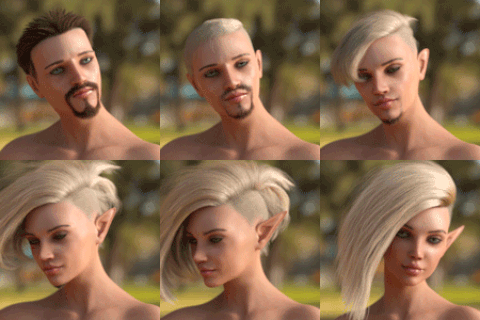
Here is a 1st part of hair rendering tutorial, i would like to show you both hairstyles: sort of "clay" looking hair that you may saw in Overwatch 3d animations, and more realistic ones with individual hair painted that i ended up using for the recent Mei picture ( Original lineart done by Legoman )
01 Layering [Google Drive link]
02 Rendering [Google Drive link]
There are 2 separated video files - initial layering where i broke down the whole hair into a several shapes, and the Overwatch-style rendering process itself. I will upload the "Part 2" with realistic style in a several days, so please stay tunned!
Side note: In order to make it easier to download i just uploaded it to Google drive. Though i will switch it back to regular Patreon attachments when i'll run out of space.
In the attachment you can find a PSD and the smudge tool that i was using towards the end of the video. It's a Tool Presest file, if you haven't worked with those- they are similar to brushes, you just need to put it in "Tools" folder (in my case it's C:\Users\%Username%\AppData\Roaming\Adobe\Adobe Photoshop CC 2015.5\Presets\Tools ) and it will appear in your presets

Please remember that you wanna set the "Strength" in a range 1-99%, at 100% the smudge tool act's like it's set to ~70% or something so 99% will be a maximum! It is knowns bug, i dunno if it's fixed in later versions but it's still there in CC 2015 (It's not an issue for the old CS3 though)
I hope you'll enjoy watching the video. If you'd have any questions about the process or just wanna talk - please don't hesitate to drop me a note, here in comments or just DM me on Discord (AleskaArt#1058)
Thank you so much for your support, you're awesome! ?